

Study Alarms & Focus
Study alarms & Study Minutes
Alarms that won’t stop until you study.
Set a loud alarm that only switches off when you answer questions on your weak topics, then lock distracting apps until you hit your daily Study Minutes goal.


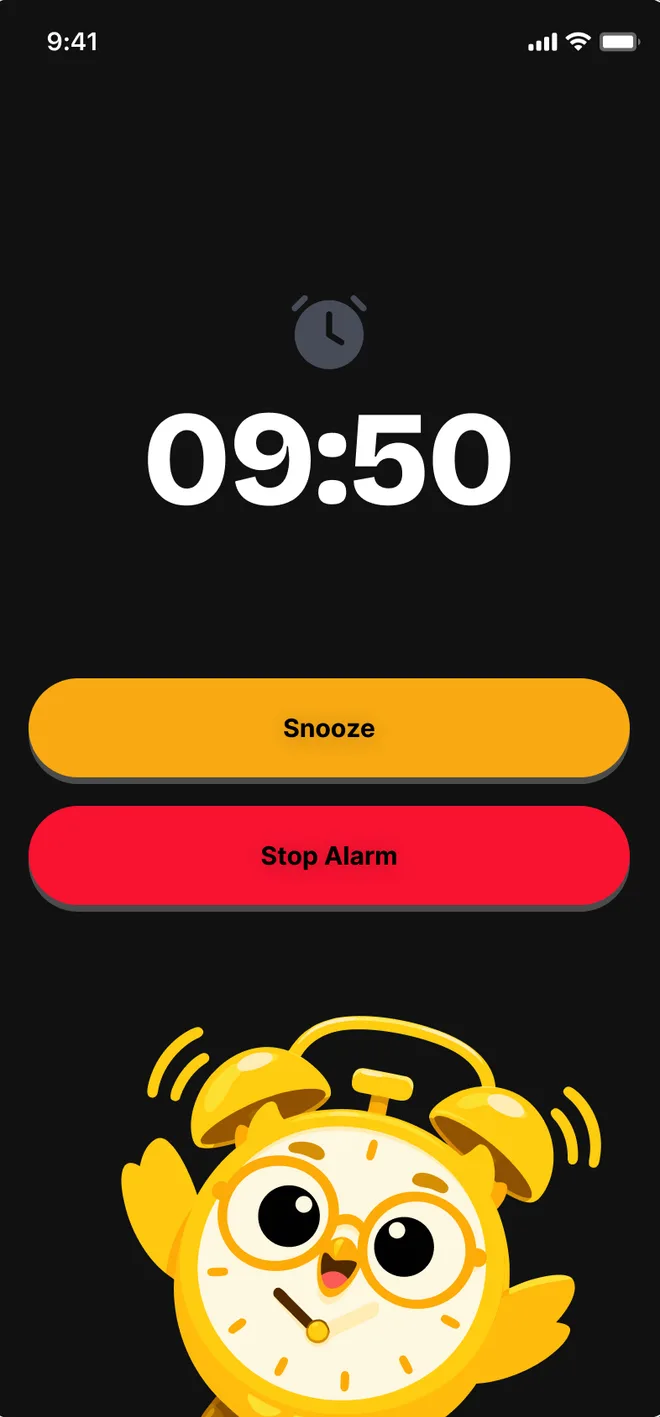

Inside Study Alarms & Focus
How it works
Three steps. That’s it.
- 1
Set an alarm and pick topics
Choose a time and the subjects you keep avoiding.
- 2
Answer to switch it off
The alarm keeps ringing until you get your questions right.
- 3
Hit your Study Minutes goal
Study time is tracked automatically. Reach the goal and your apps unlock.


Answer-to-dismiss alarms
Loud, persistent, and only satisfied by correct answers.
Answer to dismiss
No snoozing your way out of revision
Discipline, built in.
Motivation fades. Systems don’t. Passpadi puts the structure around you so showing up every day stops being a decision.
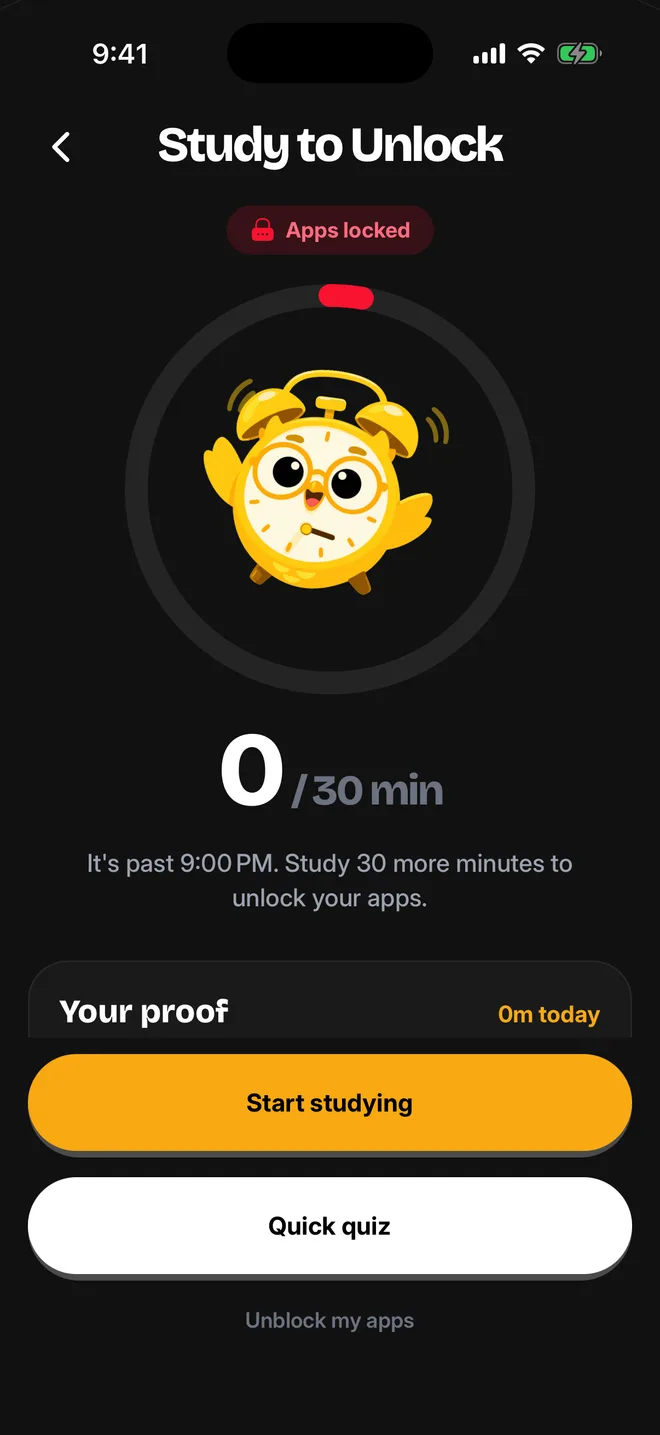

Lock distracting apps
Choose the apps that steal your time and keep them locked until you have studied.

Daily quests
A 30-minute daily study goal with rewards when you hit it.
More ways to study


Frequently asked questions
Everything you need to know about Study Alarms & Focus. Still curious? Chat with us in the app.
How do study alarms work?
Set a time and pick topics. When the alarm rings, it keeps ringing until you answer a few questions on those topics correctly.
What is Study Minutes?
A daily study-time goal, 30 minutes by default. Passpadi tracks your study time automatically and counts it towards your streak and the weekly leaderboard.
Can it really lock my apps?
Yes. On iOS and Android you can choose apps to lock until your daily goal is met. You can always unlock them in an emergency.
Is this free?
Yes. Study alarms and Study Minutes are free for everyone.